Every 6 to 12 months when I am messing with vm networking I end up really hosing it up. Sometimes to the point of no return. Knowing how to recreate it is better than reinstalling it. Here’s how to destroy and rebuild the default network with bridge virbr0 on RHEL or Fedora…

Head to the terminal, this’ll only take a minute. I used RHEL Cockpit Terminal feature for this.
### switch to root or precede commands with sudo
$ sudo -i
### list your defined networks
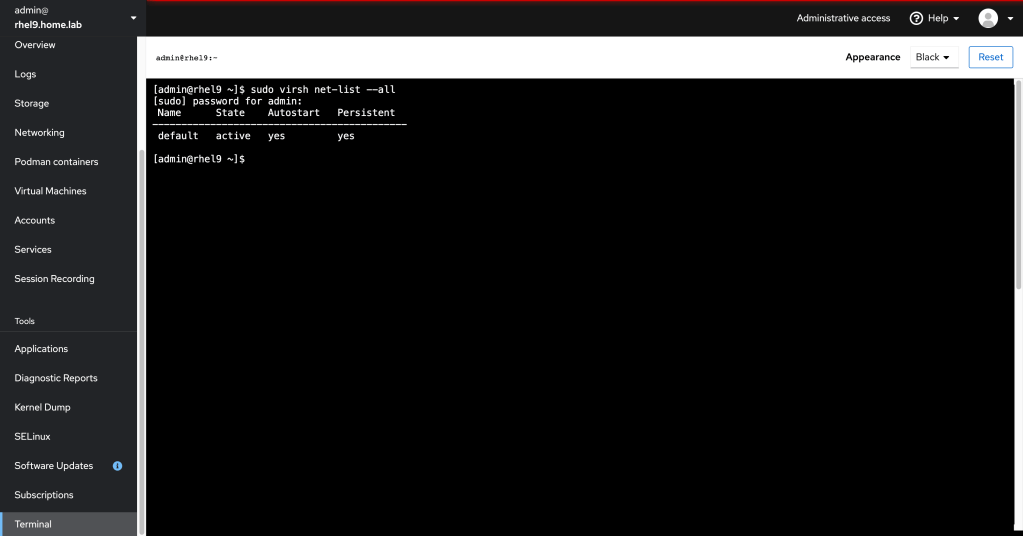
# virsh net-list --all
### delete your default network
# virsh net-destroy default
# virsh net-undefine default
### create a default network xml
# vim default.xml
<network>
  <name>default</name>
  <uuid>9a05da11-e96b-47f3-8253-a3a482e445f5</uuid>
  <forward mode='nat'/>
  <bridge name='virbr0' stp='on' delay='0'/>
  <mac address='52:54:00:0a:cd:21'/>
  <ip address='192.168.122.1' netmask='255.255.255.0'>
    <dhcp>
      <range start='192.168.122.2' end='192.168.122.254'/>
    </dhcp>
  </ip>
</network>
### esc, write, quit the file
:wq
### add the network to the KVM host
# virsh net-define --file default.xml
### start the network
# virsh net-start default
# virsh net-autostart default
### check the active networks
# virsh net-list
### check the network connection should display virbr0
# nmcli con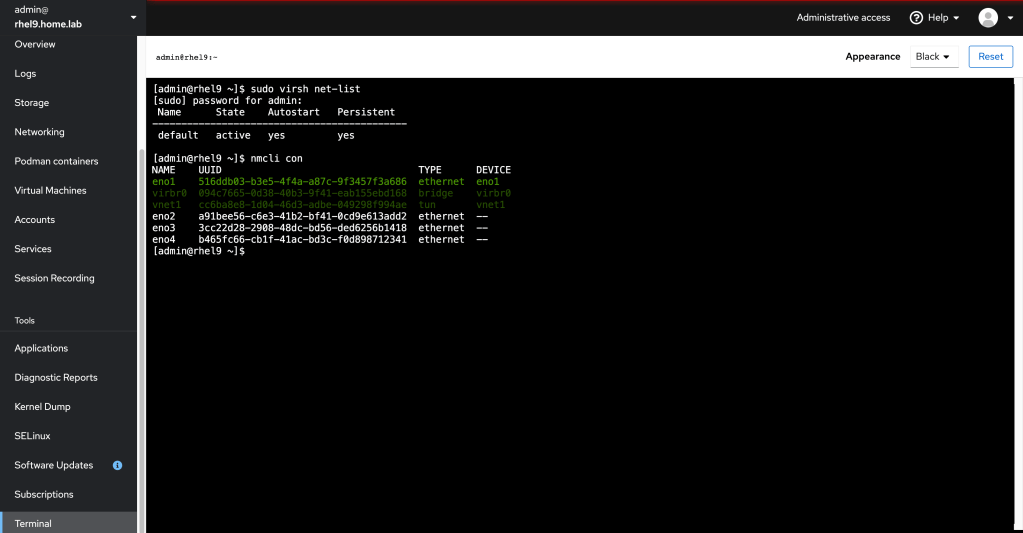
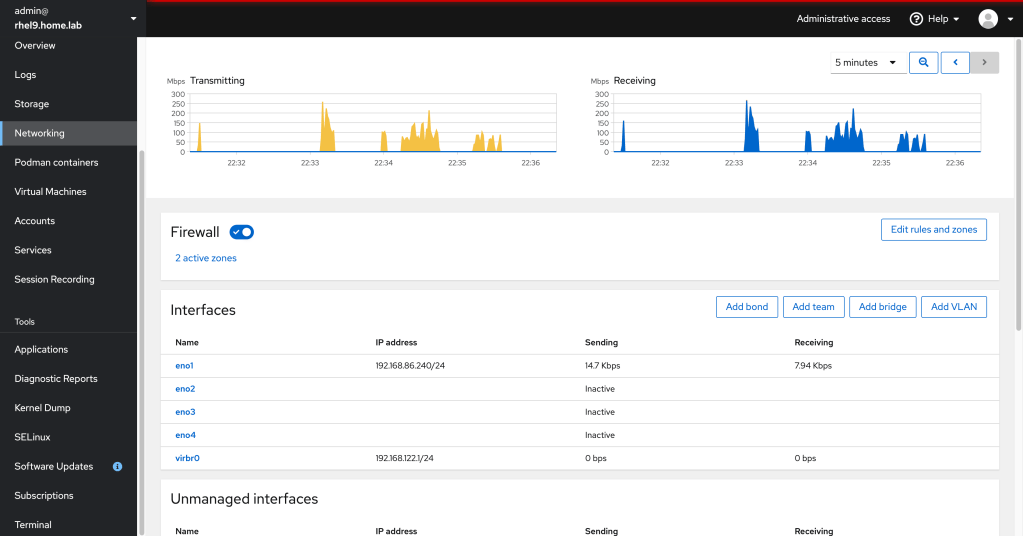
Checking the Cockpit Networking tab, virbr0 is operational.
This resource helped a ton: https://blog.programster.org/kvm-missing-default-network
 david marcus